Documentation Index
Fetch the complete documentation index at: https://retrocultmods.mintlify.app/llms.txt
Use this file to discover all available pages before exploring further.
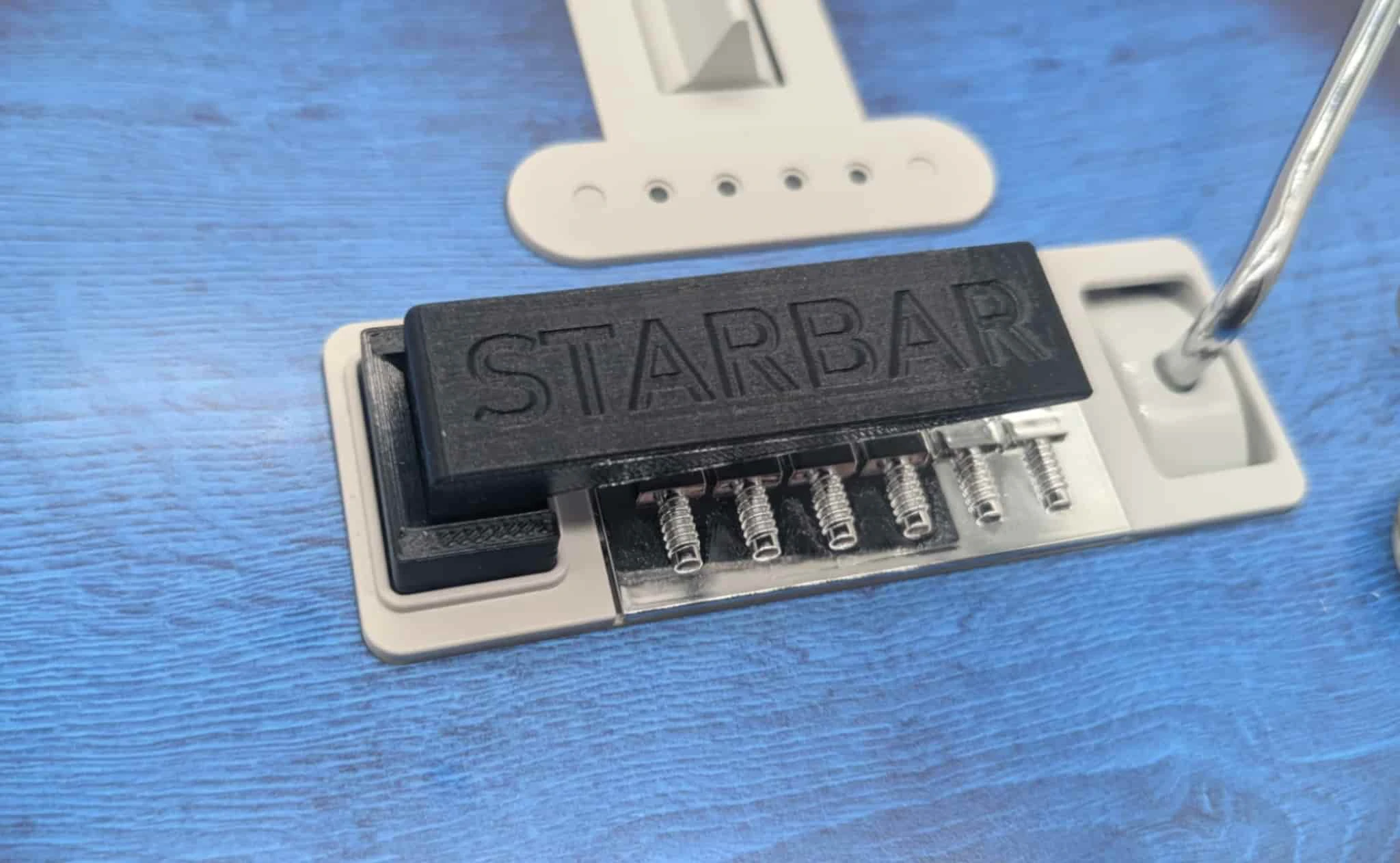
In this guide, we will be installing the StarBar Star Power Button Upgrade mod. The StarBar can be used on all current models of CRKD Guitar Controller.
Required Tools
- T10 Screwdriver/Bit
- PH1 Screwdriver/Bit
If you do not have these screwdriver/bits already, we suggest this screwdriver kit.
StarBar Star Power Upgrade Mod Installation
Remove the battery from the compartment under the “bridge” cover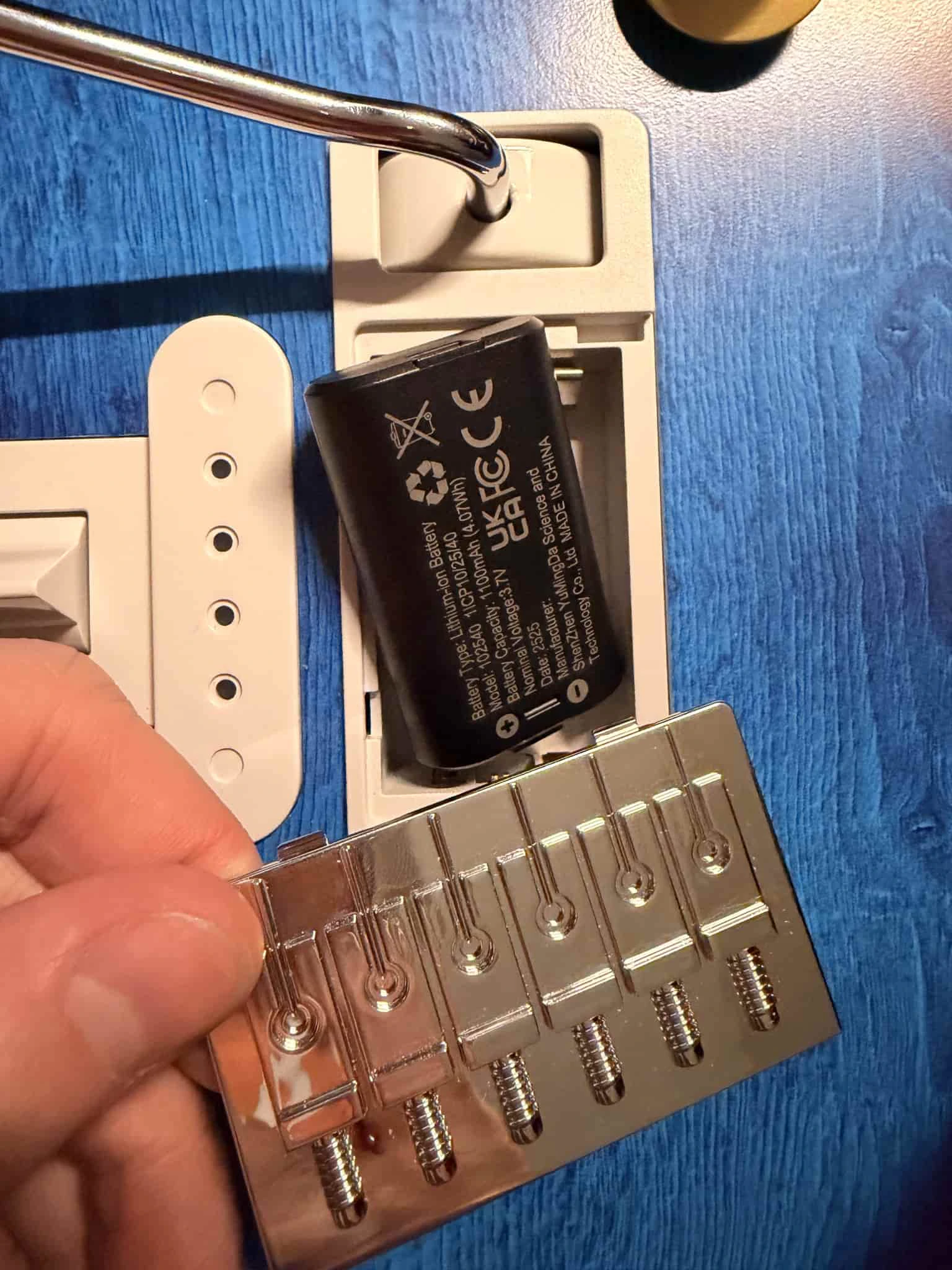
Remove 8 T10 torx screws on rear of guitar body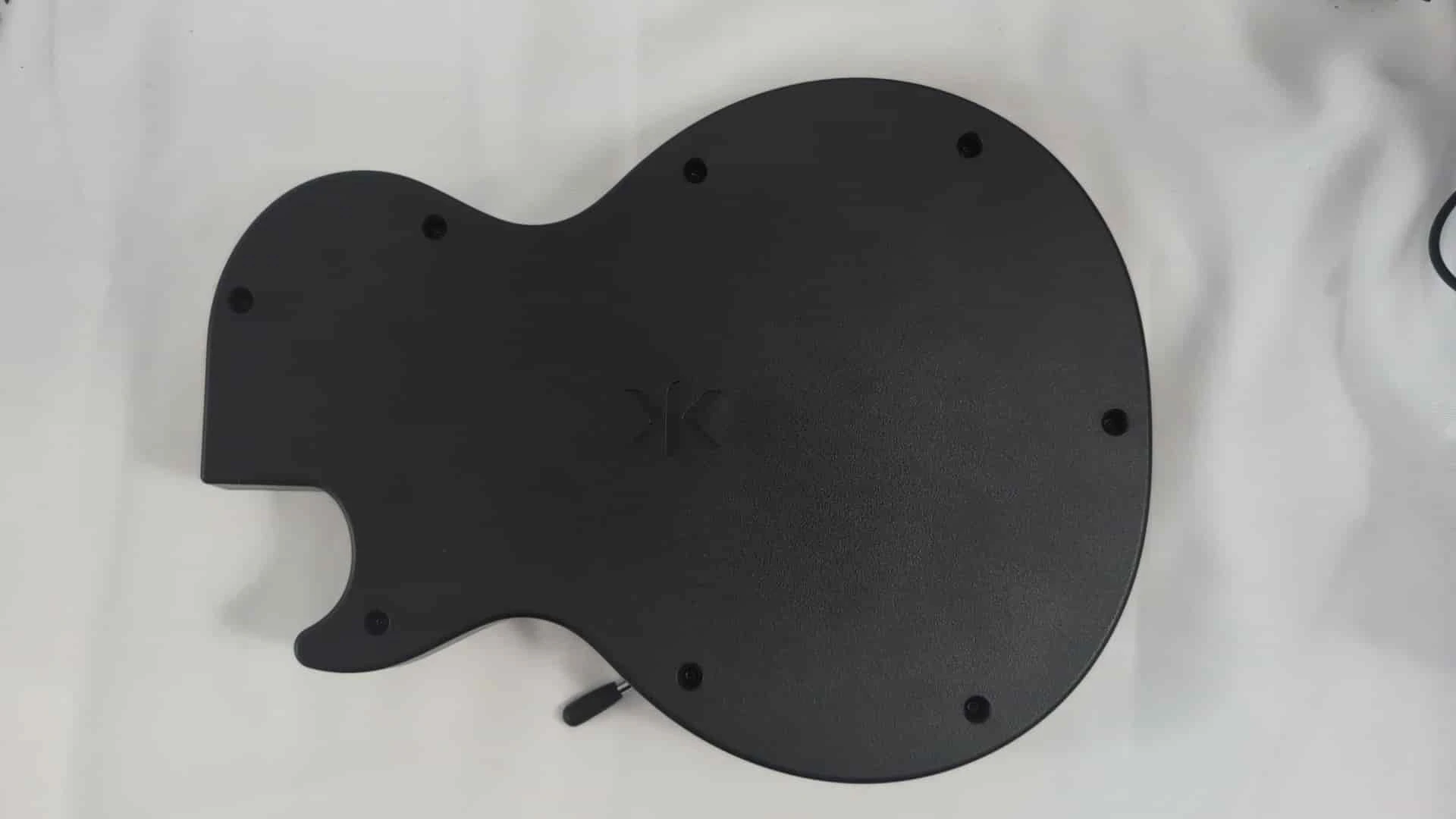
Remove 4 T10 torx screws near neck slot on front of guitar body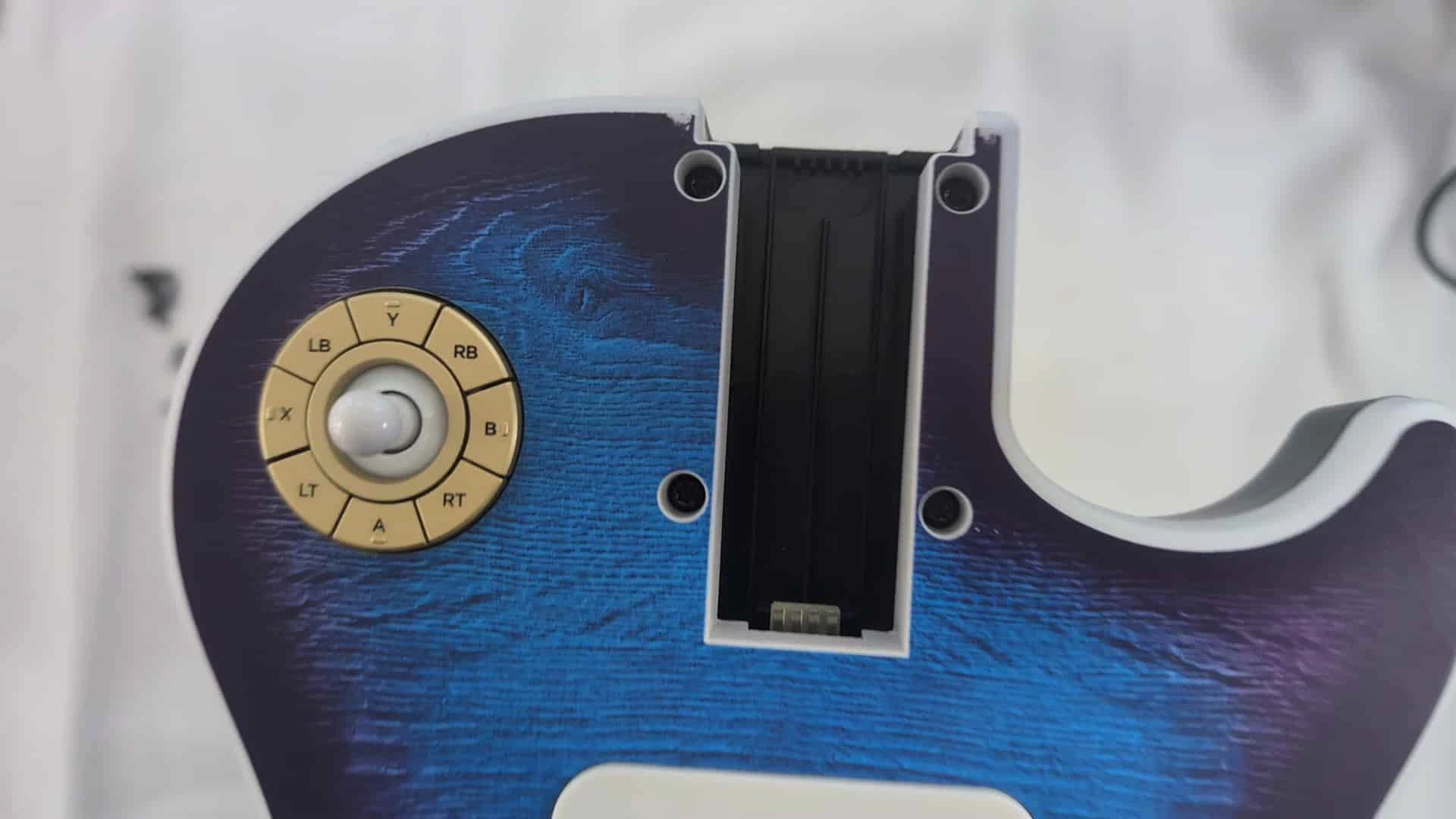
Lay guitar body on its front with rear facing upwards and remove rear body shell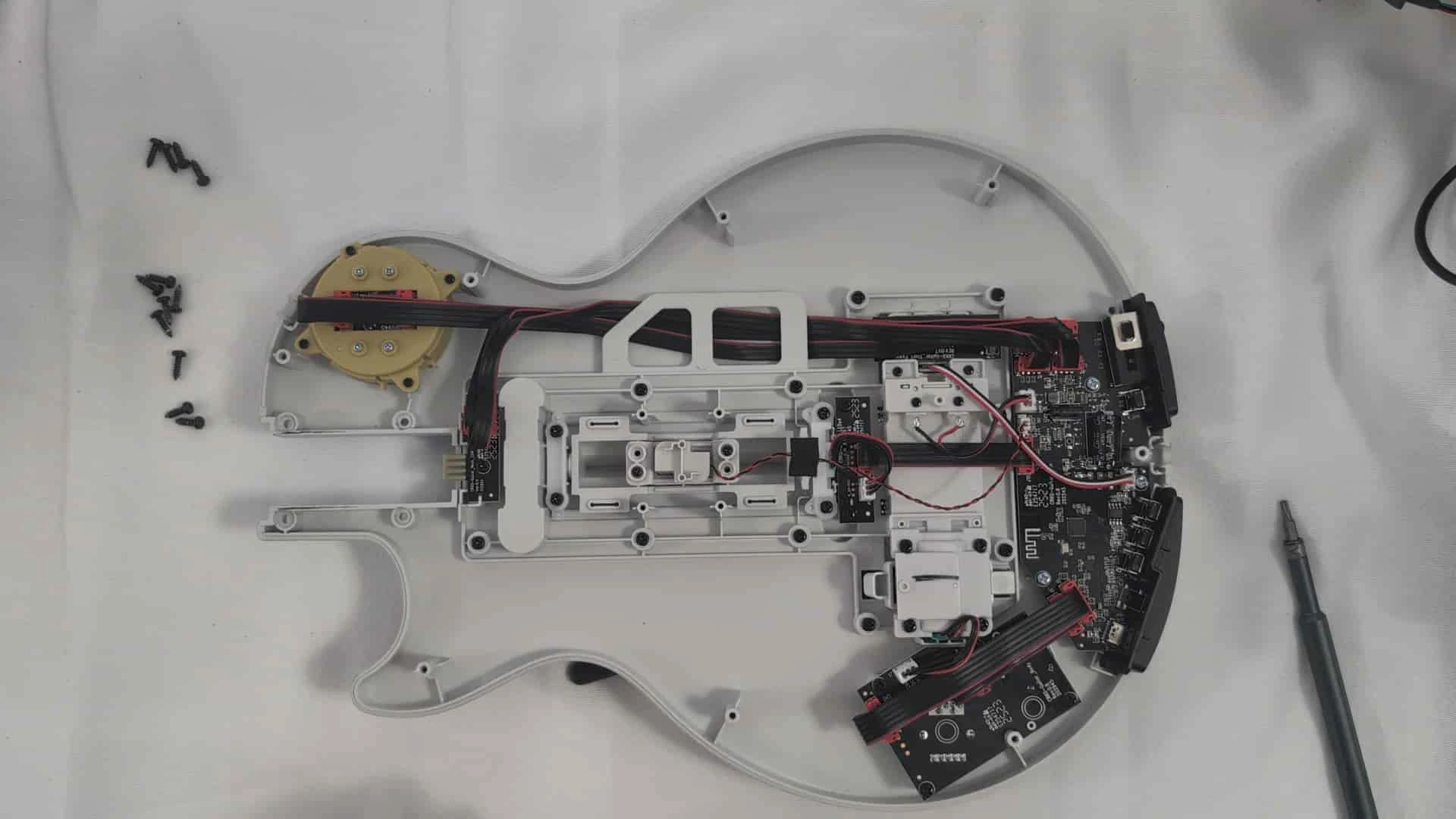
Move the wires covering the “CRKD-Guitar_Start Power” board, then remove the 2 PH1 screws that hold the board in place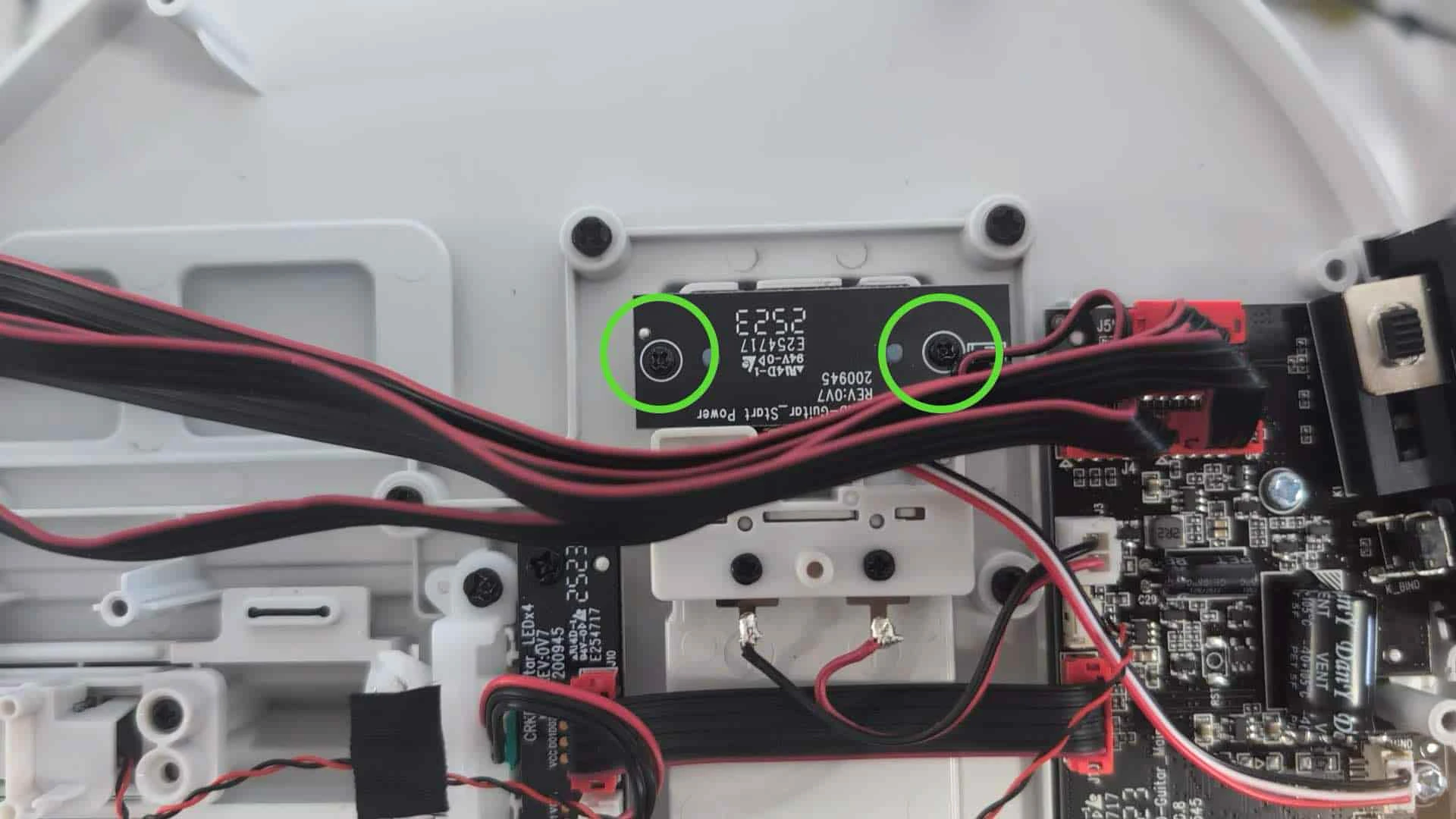
Move the “CRKD-Guitar_Start Power” board out of the way to give clearance for removal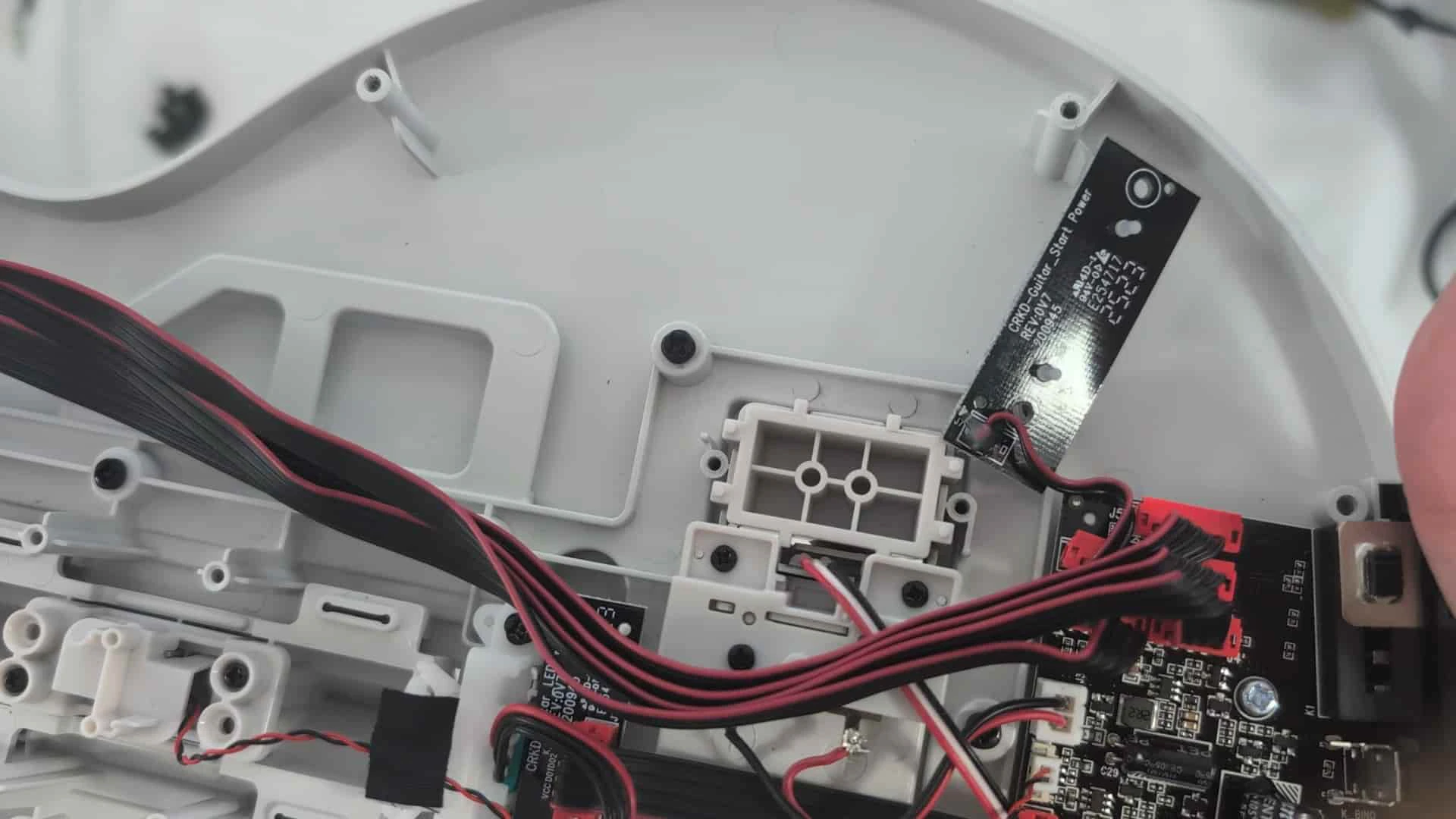
If you push up on the existing CTRL button, you’ll notice that a part of the battery terminal bracket prevents us from taking the button out cleanly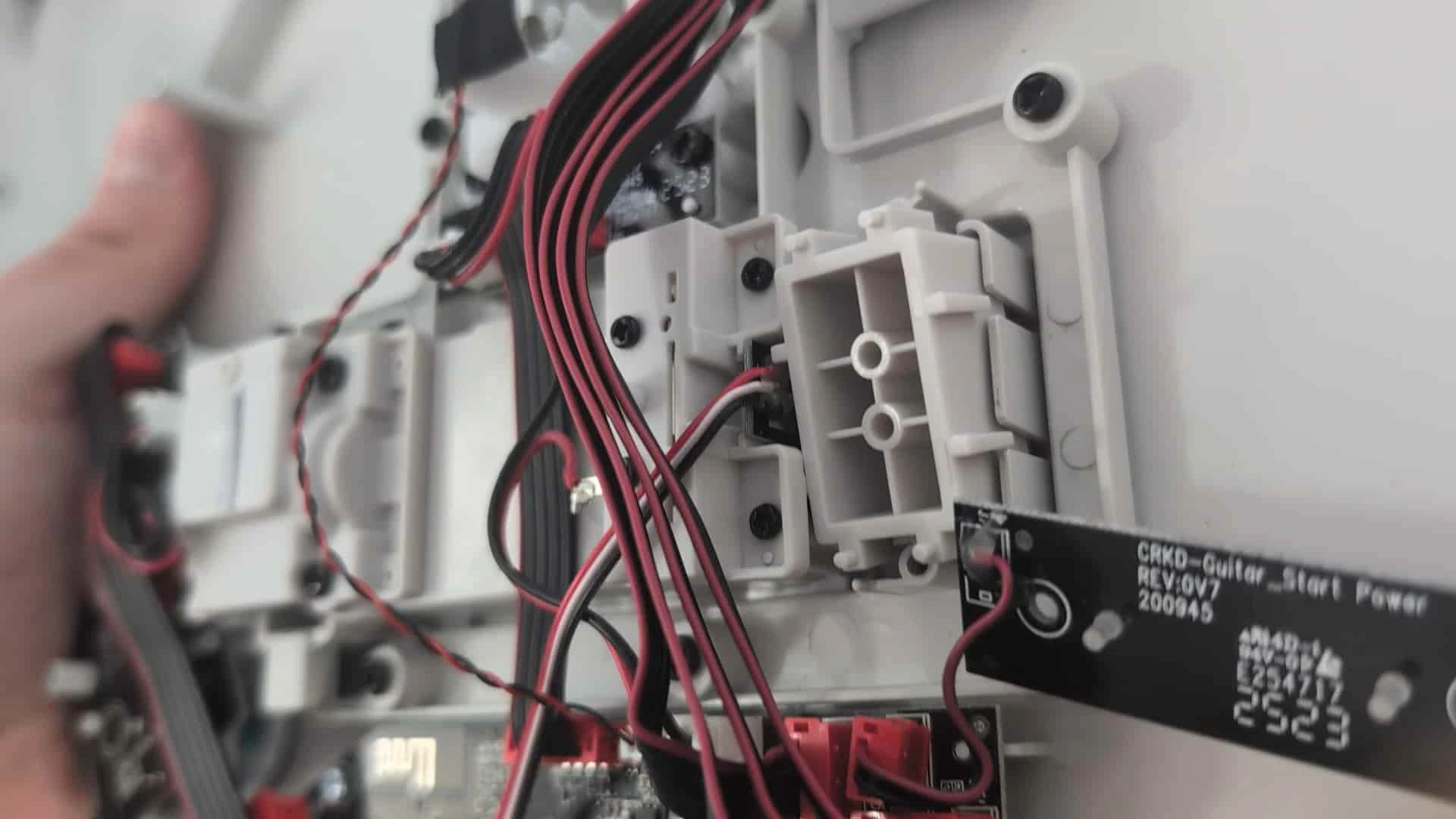
Unscrew the 4 PH1 screws holding down the battery terminal bracket, then remove the bracket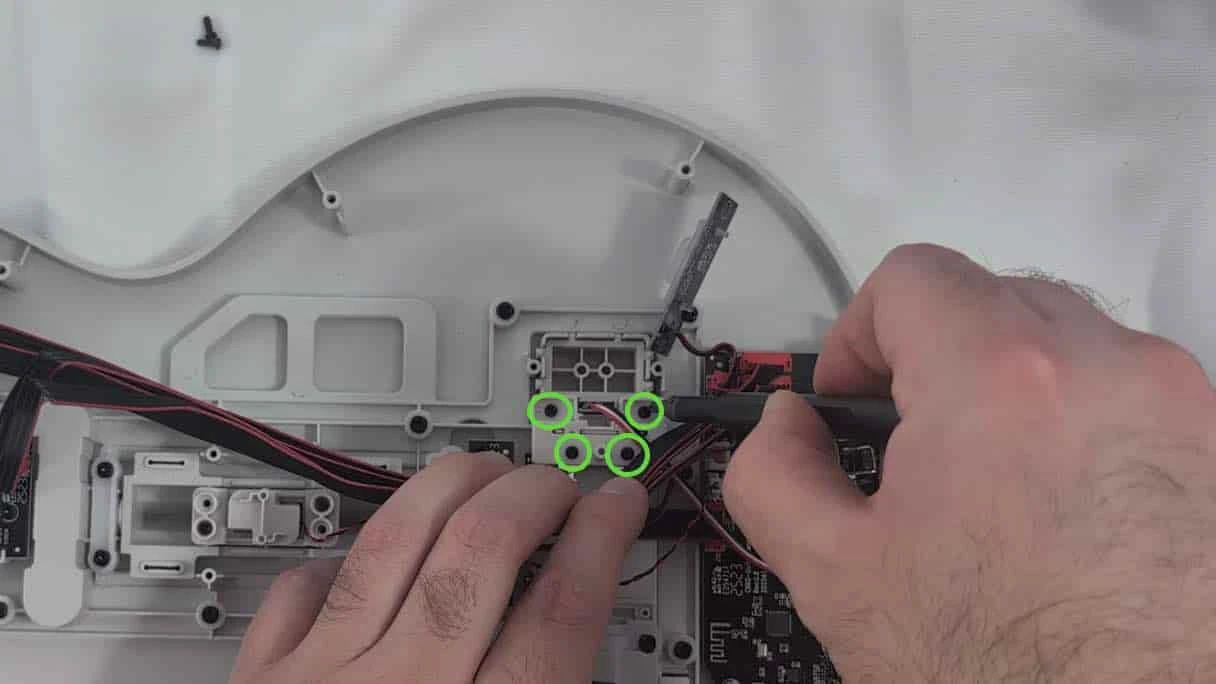
Remove the CTRL button from the slot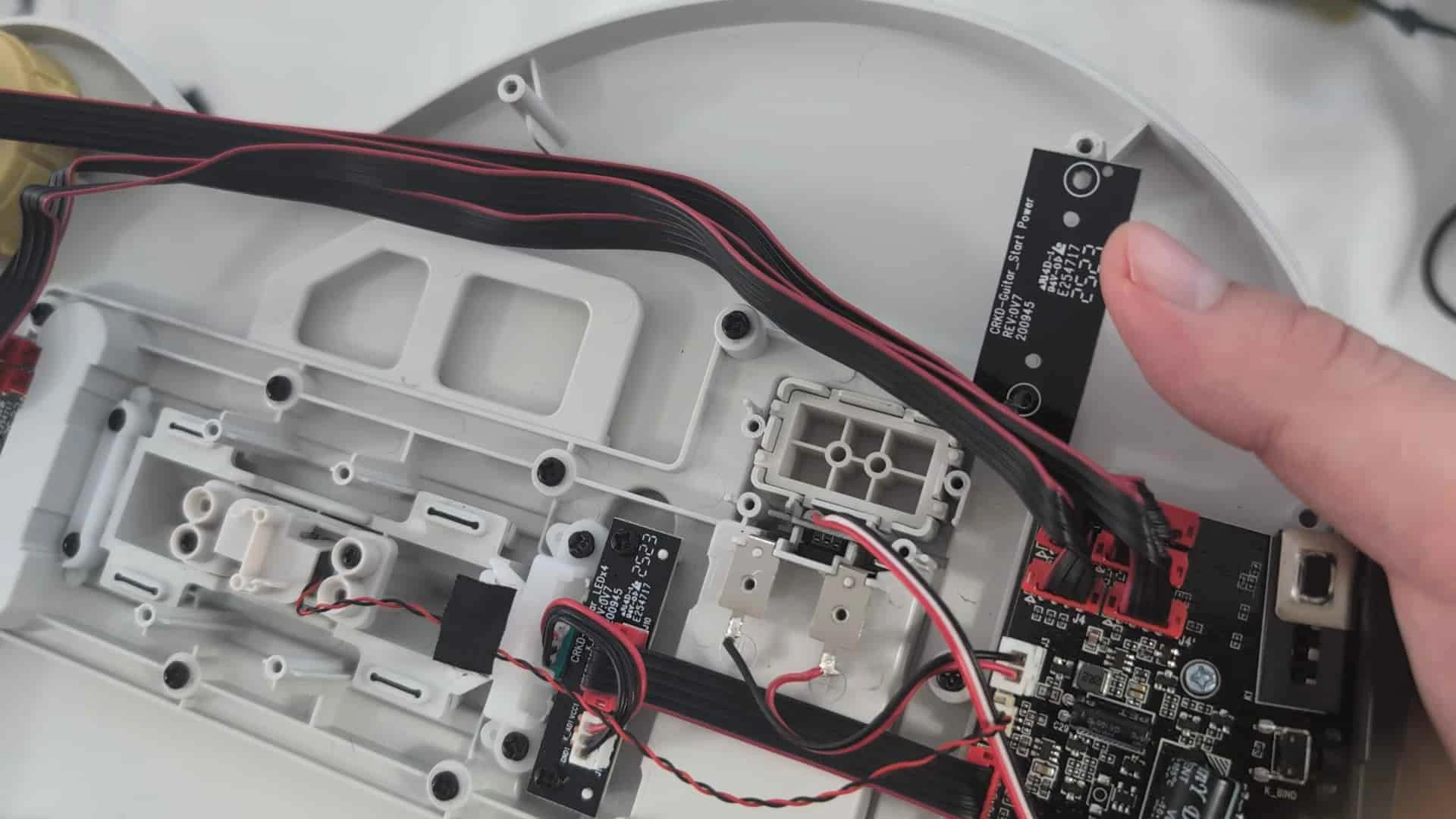
Put the StarBar base in the slot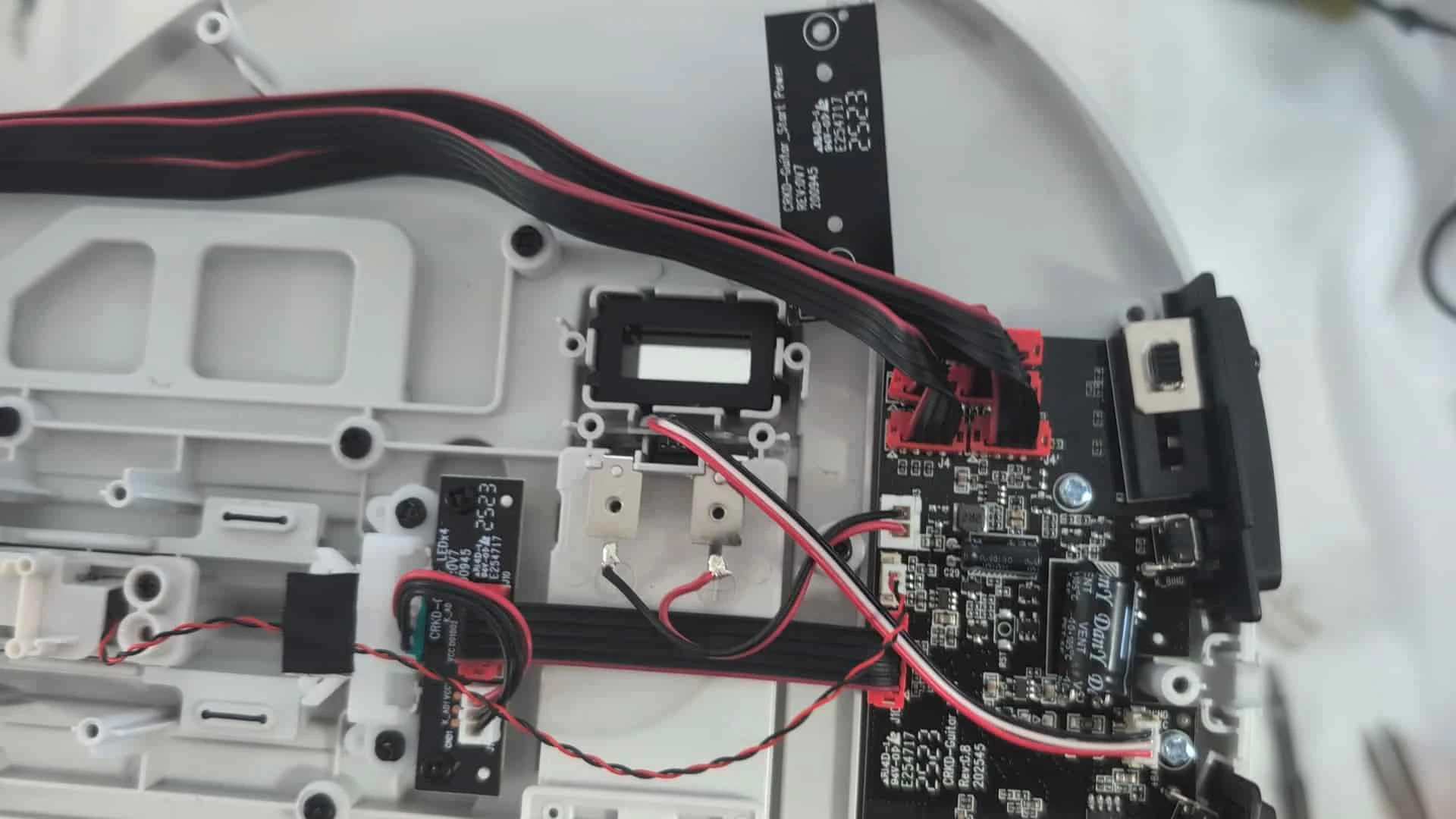
Reinstall the bracket using the 4 PH1 screws we removed in step 8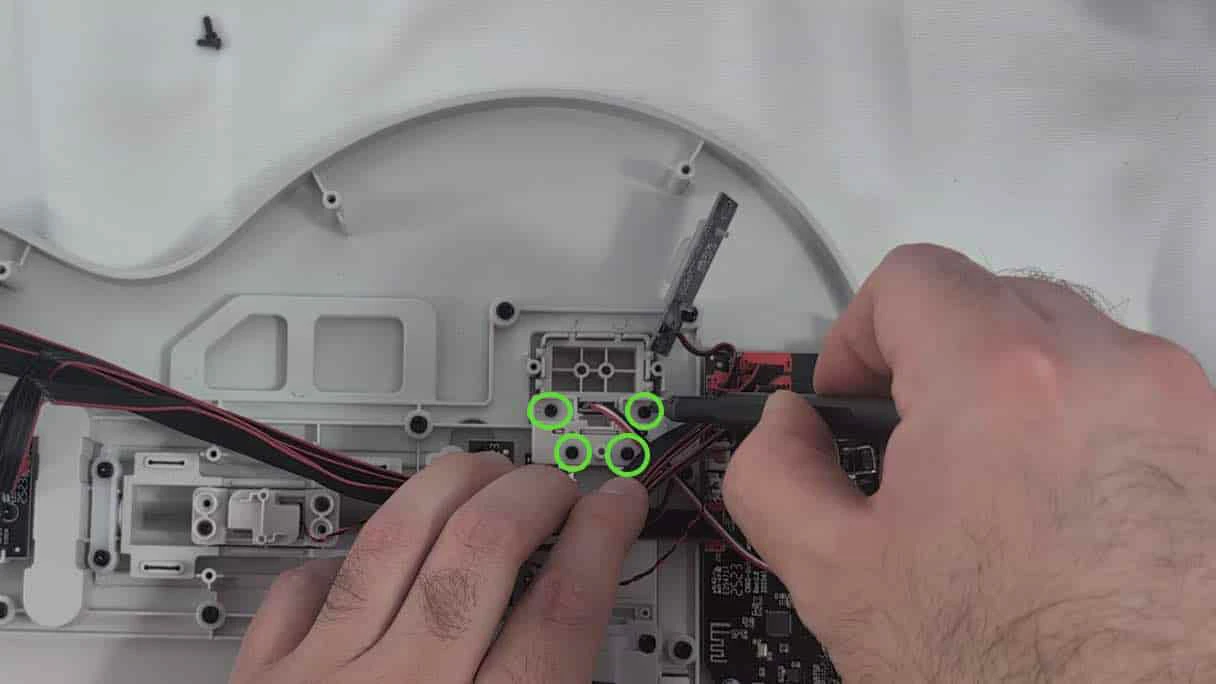
Place the board over the StarBar base and install the 2 PH1 screws we removed in step 5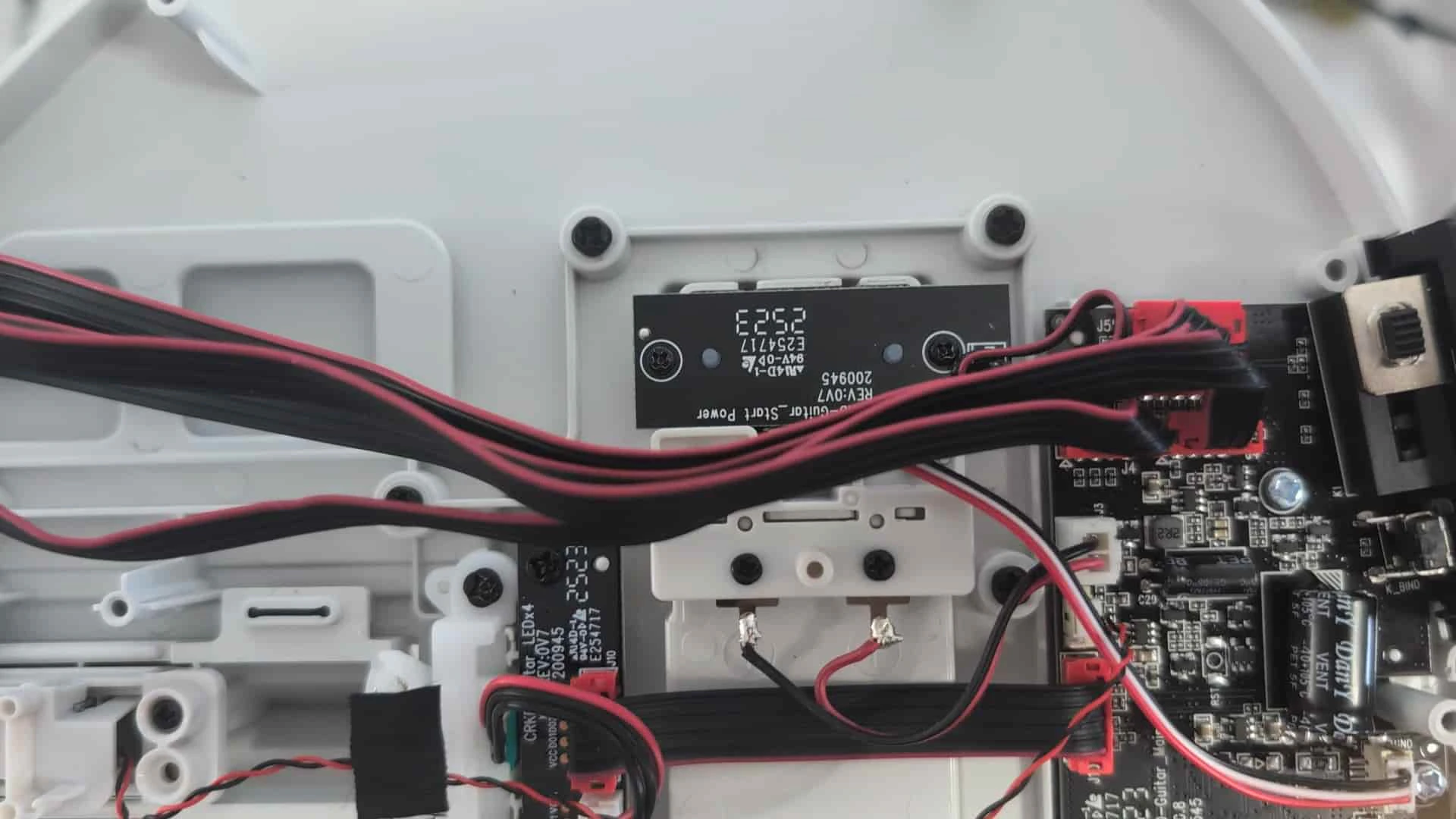
Put the wires we moved out of the way back behind their cable management flap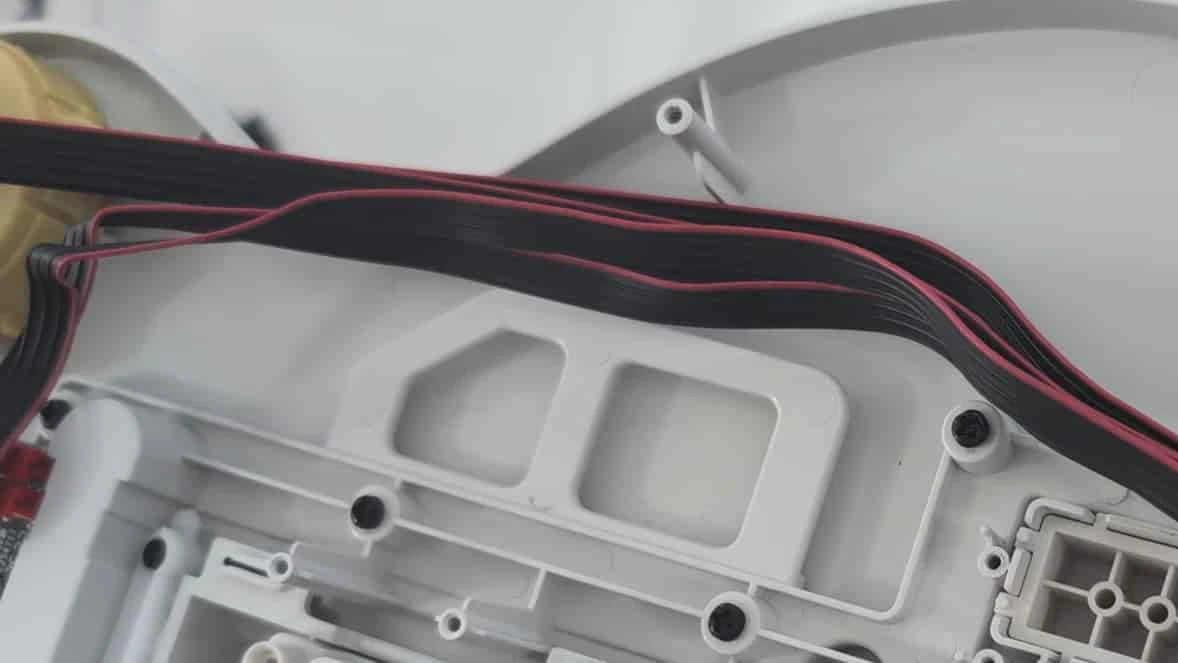
Reinstall the rear body shell and 8 T10 torx screws (don’t forget about the 4 by the neck)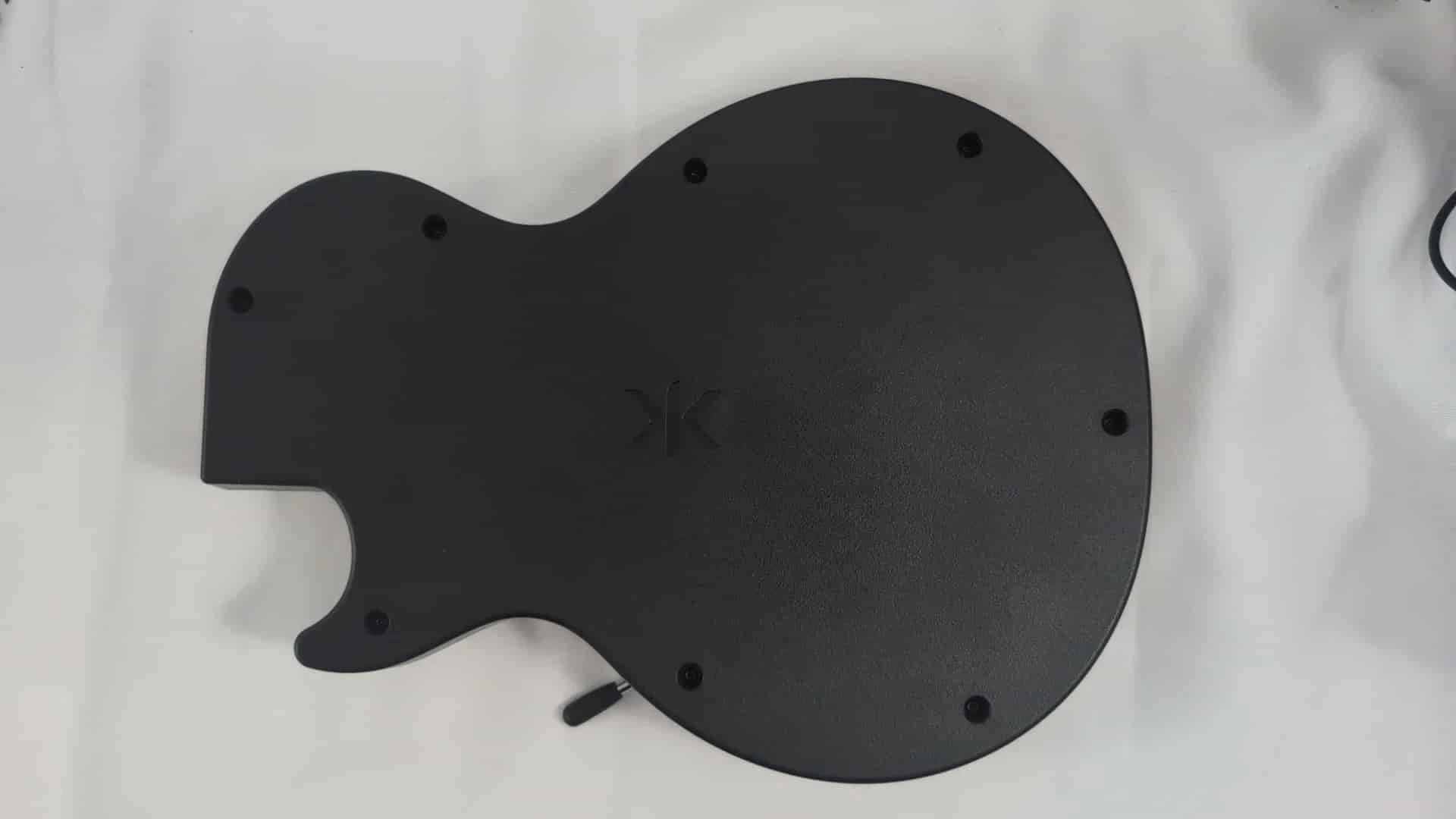
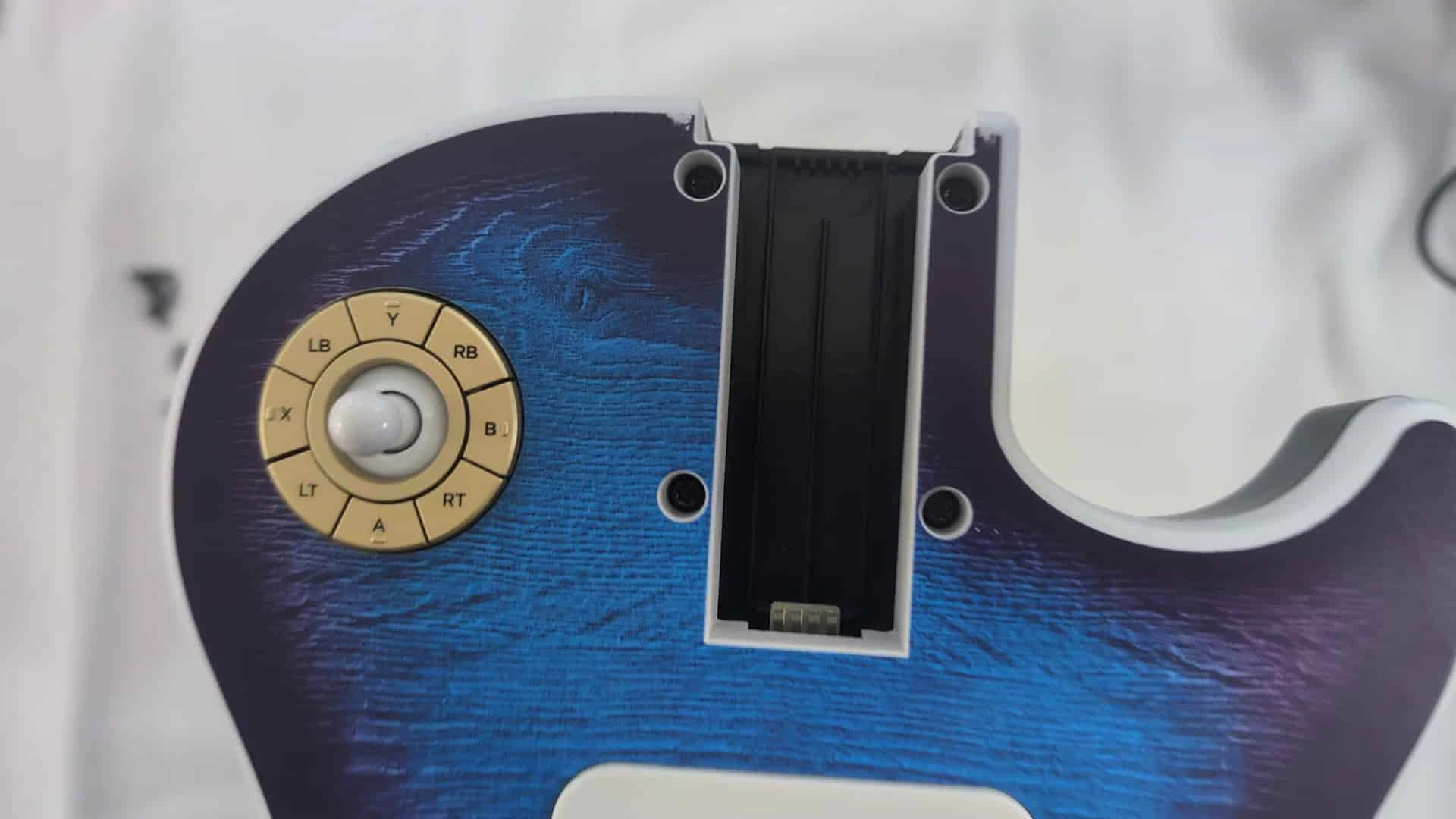
Slot your choice of StarBar lever into the base